
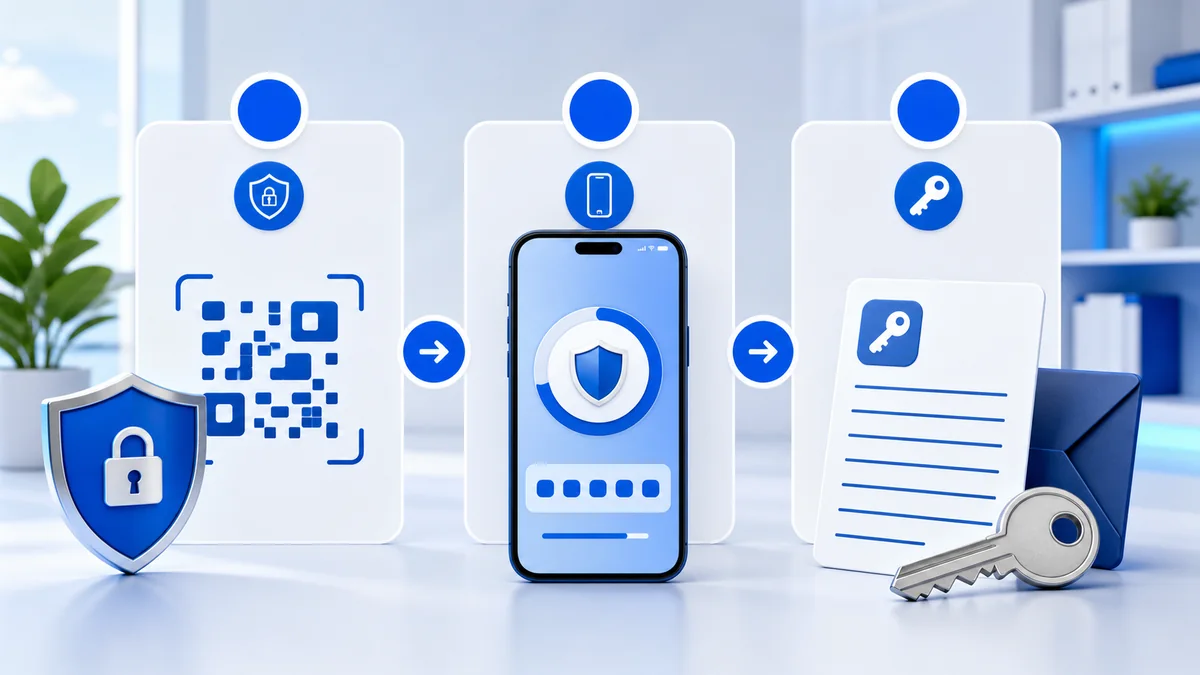
Objective
Complete the workflow using official provider interfaces while keeping credentials and secrets private.
Never send passwords, TOTP secrets, recovery codes or payment credentials to support.
Steps
- Step 1. Open the provider's official security settings while signed in on a trusted device.
- Step 2. Choose an authenticator app or security key instead of SMS when the provider supports it.
- Step 3. Scan the QR code or enter the setup secret only inside your authenticator app.
- Step 4. Enter the current six-digit code on the provider's verification screen.
- Step 5. Download or write down the recovery codes and store them separately from the signed-in device.
- Step 6. Confirm that 2FA appears as enabled, then sign out and test one new sign-in.
- Step 7. Never send the QR code, setup secret, one-time code or recovery codes to support.
Verify the result
Confirm the provider interface shows the expected active or completed status.